
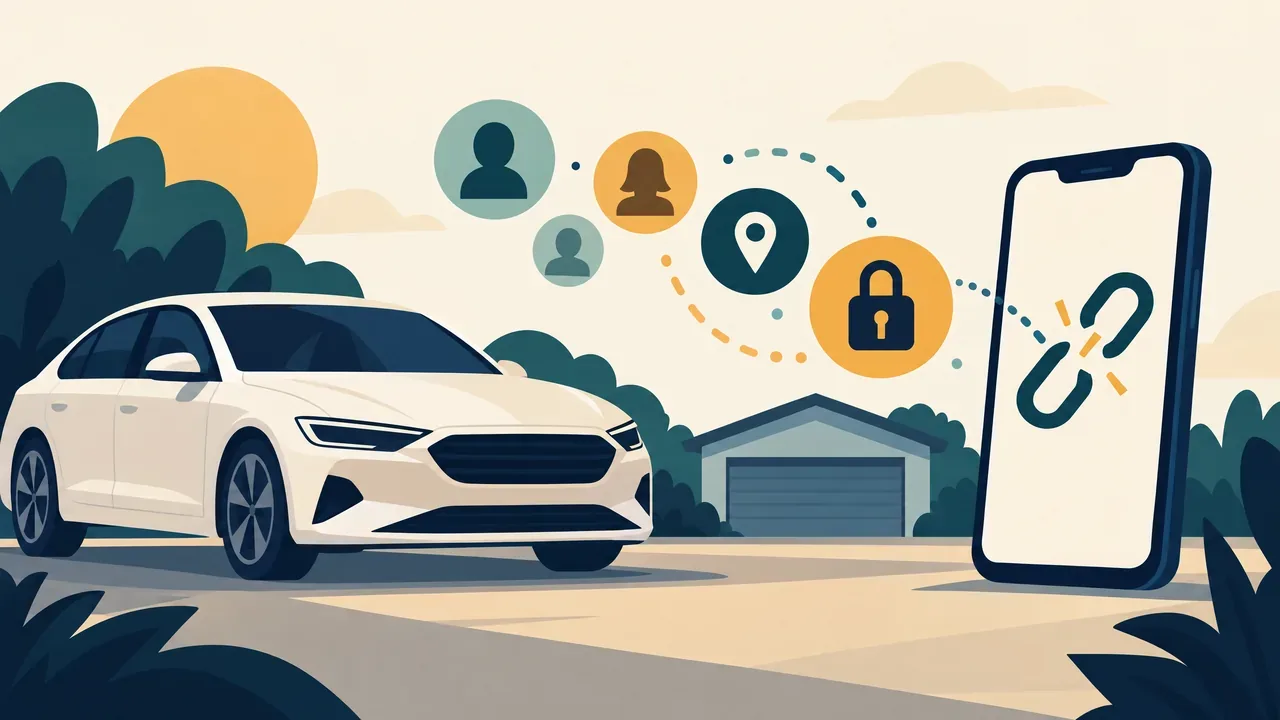
Before Selling Your Car: Clear Personal Data and Unlink Connected Access
Before handing over a car, clear out more than the glove box. A paired phone, saved home address or connected-car account can leave personal information behind. For Pittsburgh and North Hills drivers preparing a sale or trade-in, plan a separate digital cleanup before the keys change hands.
The FTC's vehicle-sale privacy guidance identifies contacts, app logins, stored music, location data and garage codes as information to remove. Not every vehicle stores every item, so check what yours actually uses.
Prepare before you erase anything
Find the owner's manual for the exact model year and infotainment system, including a separate manual for an aftermarket radio. Save information you need later privately, not in the vehicle you are selling. Have account credentials available for the manufacturer's transfer process; do not give the buyer your personal login.
Work while safely parked. Follow the manufacturer's power and ventilation instructions, and never idle in an enclosed garage. Read reset warnings first. If you cannot tell whether an option affects essential vehicle functions or your ability to access the car, ask the manufacturer or dealer before proceeding.
Clean the infotainment system and phone connections
- Check every personal profile for contacts, call history, messages and paired devices. Remove personal phone connections from the vehicle and forget the vehicle in your phone's connection settings.
- Remove saved home and work addresses, destinations and route history where stored. Check favorites as well as recent searches.
- Sign out of personal infotainment apps and remove saved credentials. Check downloaded music or other files, and collect your USB drives or personal storage cards.
- Use the documented personal-data deletion or factory-reset procedure for your system, then inspect the relevant menus for remaining personal information.
There is no universal button sequence. Ford's reset guidance, for example, separates instructions by SYNC generation and Digital Experience. It lists paired phones, call history and navigation favorites among the data erased. That Ford example is not a guarantee about another vehicle or receiver.
Use the prescribed procedure rather than experimenting with diagnostic menus, disconnecting modules or changing safety settings. Do not disable safety systems to remove personal data.
Unlink accounts and handle subscriptions separately
A clean dashboard does not prove your online connection is gone. Ford's selling checklist calls for both a SYNC reset and removing the vehicle from the Ford app before transfer.
For your brand, follow the actual vehicle-removal or ownership-transfer instructions in its app or account. Simply uninstalling the app from your phone is not the same task. If equipped, address digital keys and shared-driver permissions using the manufacturer's instructions, including access you previously granted to others.
The FTC also warns that satellite radio, mobile Wi-Fi and data services can require separate cancellation or transfer after a reset. Check each provider's process and keep confirmations. Do not assume resetting the screen cancels billing, revokes all cloud access or deletes records held by the manufacturer.
Clear garage access and check before handover
Collect loose garage remotes. Clear the vehicle's programmed garage or gate controls using its manual. HomeLink recommends erasing programmed buttons when selling or ending a lease. Keep people and objects clear because doors or gates may operate during programming; do not confuse vehicle-memory clearing with resetting your home's entire opener.
Before the final handover, recheck profiles, device lists and saved destinations without reconnecting your phone and copying data back. Confirm the old vehicle is removed from the relevant accounts and your service-transfer tasks are complete. If anything remains unclear, resolve it with the manufacturer before giving up access to the car.
Related Posts

North Park in Late Fall: Plan a Walk Around Daylight and Trail Conditions
Plan a North Park late-fall walk with official maps, manageable distances, Latodami's daylight hours and a flexible approach to trail conditions.
11/18/2026
Before Replacing Your Radio: Check the Factory Features You Want to Keep
Replacing a radio? Check steering-wheel buttons, cameras, parking alerts, factory amplifiers, USB ports and vehicle settings before requesting a quote.
11/17/2026

North Park Holiday Laser Show 2026: Tickets and Visit Planning
North Park's 2026 Holiday Laser Show runs December 17–23, with tickets scheduled for November 30. Plan the vehicle ticket, pool-lot arrival and FM soundtrack.
11/17/2026
Remote Start Range: Why Your Parking Location Matters
Advertised remote-start distance is not a parking-location guarantee. Compare factory-fob, RF remote and phone control, confirmation and connectivity requirements.
11/16/2026