
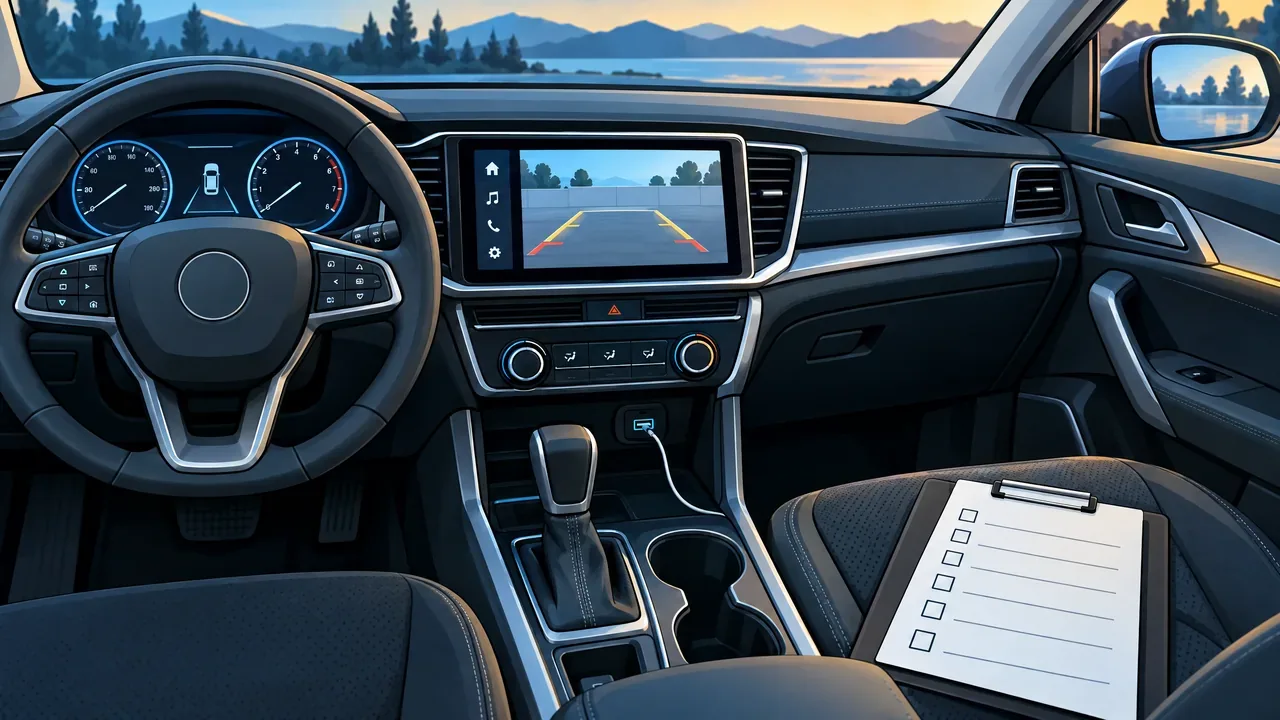
Before Replacing Your Radio: Check the Factory Features You Want to Keep
Before choosing a replacement radio, list what your current system does besides playing music. Your steering-wheel buttons, camera display and vehicle settings deserve separate answers, not one promise to keep everything. For Pittsburgh-area drivers planning an upgrade, the useful starting point is the exact vehicle and factory equipment, followed by the features you cannot afford to lose.
Check the buttons and camera separately
iDatalink Maestro offers integration solutions tailored to the vehicle. That is not universal compatibility. Crutchfield's integration explainer also identifies the receiver, module and vehicle-specific adapter as parts of the decision.
List volume, track, source, phone-answer and voice-command buttons individually. Ask which will work with the proposed radio, what each button will do, and whether any function changes. Keeping volume control does not answer the phone-button question.
For cameras, ask about the actual views you use and any moving guidelines. PAC's archived camera-harness documentation describes reverse-camera video retention for specified applications. Do not turn that defined video connection into a promise that every camera view or display feature survives.
Ask about alert sounds and the factory amplifier
Warning chimes and parking alerts need their own check. PAC's archived RP5-GM31 compatibility notes, for example, specifically exclude escalating parking-sensor proximity tones despite broader chime-retention wording elsewhere on the page. That is a documented exception for that interface, not a rule for every replacement.
Ask which audible alerts remain and whether their behavior changes. Do not deliberately trigger a hazardous situation to test warning sounds.
Identify any premium factory audio package. Ask whether its amplifier will stay, be bypassed or be replaced, and what that means for the speakers and controls. The same PAC notes flag loss of front-to-rear fading with premium amplified systems. An amplifier-retention claim alone therefore does not settle every audio-control question.
Separate USB, phone functions and vehicle menus
A factory USB socket needs a compatibility check too. Metra Axxess's USB-retention guidance for select Hyundai/Kia vehicles requires a replacement radio with a rear USB input. Its factory auxiliary-jack retention also requires an auxiliary input on that radio.
Tell the installer whether you need charging, music playback or phone data through the existing port. Ask which use is supported and whether the port stays or is replaced. Separately ask whether calls will use the factory phone system and microphone or the new radio's setup.
Photograph the vehicle-settings menus you use, such as door-lock or lighting options if present. Ask where those settings will be accessed afterward, and which remain available. Do not assume a larger screen reproduces the factory menus.
Prepare a feature-specific quote request
- Provide year, make, model, trim, body style, factory radio or screen type, audio-package name and any previous modifications. Include the exact replacement-radio model if selected.
- Take clear photos of the dash, steering-wheel buttons, USB ports and relevant menus while safely parked. Hide personal information; do not remove trim just for photos.
- Mark each feature as essential or optional. Ask the quote to distinguish retained, changed, lost and still needing verification, including required integration parts and setup.
21st Century Sound's car-audio quote form already includes an option for installation of customer-owned equipment. Choose the accurate branch and identify what you own. Before accepting the finished vehicle, ask for a parked walkthrough of the agreed functions. A feature-by-feature plan is more useful than discovering a missing control afterward.
Related Posts

North Park Holiday Laser Show 2026: Tickets and Visit Planning
North Park's 2026 Holiday Laser Show runs December 17–23, with tickets scheduled for November 30. Plan the vehicle ticket, pool-lot arrival and FM soundtrack.
11/17/2026
Remote Start Range: Why Your Parking Location Matters
Advertised remote-start distance is not a parking-location guarantee. Compare factory-fob, RF remote and phone control, confirmation and connectivity requirements.
11/16/2026

North Park Ice Skating: Plan the Session Before the Trip
Plan a North Park skating outing around a verified session, rental needs and conditions. Current official listings do not yet confirm a regular 2026–27 schedule.
11/16/2026
Dash Cam Memory Cards: Match the Specs and Protect Important Clips
Match a memory card to your exact dash cam, check overwrite and deletion settings, and copy a wanted recording before formatting or removing the card.
11/15/2026