
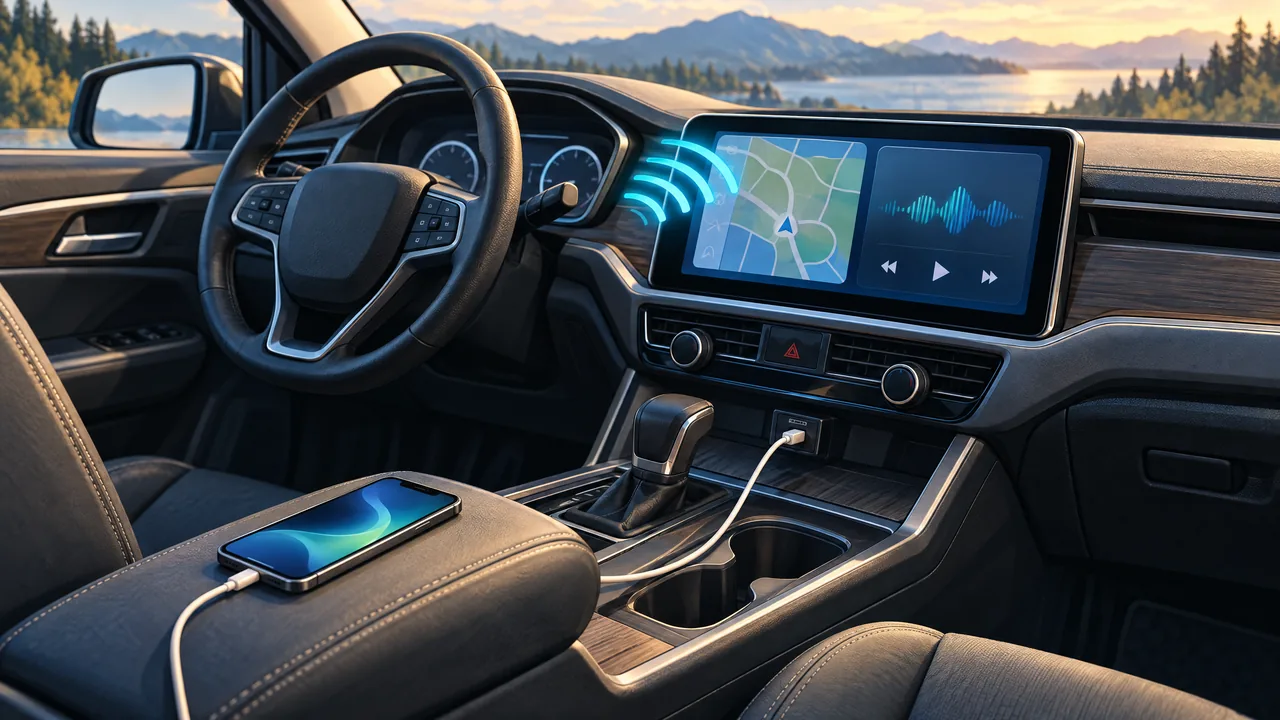
Wired vs. Wireless CarPlay and Android Auto: Check Before You Upgrade
November 14, 2026
Your phone may already play music and handle calls through Bluetooth, but that does not establish Apple CarPlay or Android Auto compatibility. Before upgrading, check three things separately: whether your phone qualifies, whether the exact vehicle or replacement radio supports your platform, and whether that support is wired, wireless or both.
For Pittsburgh drivers comparing systems, the useful question is not simply whether a radio has Bluetooth. It is whether the proposed equipment supports the connection you want with your phone while preserving the vehicle features you need.
Wired means a supported USB connection
For wired CarPlay, Apple’s setup instructions require a CarPlay-supported vehicle and connecting the iPhone to its supported USB port. Siri must be enabled. Check the cable against both ends of the connection: your iPhone may have Lightning or USB-C, while the vehicle’s port may differ. Apple’s current troubleshooting guidance warns that some adapter, cable and entertainment-system combinations can disrupt wired CarPlay; a direct USB connection is its recommendation in that situation.
For wired Android Auto, Google currently lists Android 11 or higher, an active data plan, a compatible car or stereo, and a high-quality USB cable. Android Go devices are excluded. A USB socket alone is not enough: Google explicitly says Android Auto does not work on every car equipped with one.
Wireless needs more than Bluetooth pairing
Wireless CarPlay requires a vehicle or receiver that supports wireless CarPlay. Apple says to enable both Bluetooth and Wi-Fi and check that Auto-Join is enabled for the CarPlay network. Nissan’s manufacturer guidance independently describes wireless CarPlay as using Bluetooth and Wi-Fi, with the feature available on select vehicles—not every Bluetooth-equipped Nissan.
For wireless Android Auto, Google lists a compatible phone with an active data plan and 5 GHz Wi-Fi support, alongside its Android 11 compatibility requirement. The car or stereo must also support wireless Android Auto. Google’s wireless setup instructions begin with Bluetooth pairing and recommend keeping Bluetooth, Wi-Fi and Location Services enabled during setup. That pairing step does not turn an otherwise incompatible radio into an Android Auto receiver.
A checklist before requesting an upgrade
1. Identify the actual vehicle and radio. Gather the year, make, model and trim, plus whether the radio is factory standard, a premium system or aftermarket. For an aftermarket unit, include its model number. Photograph the dashboard and list the factory features you want retained rather than relying on a broad model-year compatibility claim.
2. Name the phone and connection you want. Provide the phone model and operating-system version. Ask specifically about wired and wireless support for your platform; support for one mode should not be assumed to establish the other. For an Android phone, verify 5 GHz Wi-Fi capability with its manufacturer if uncertain. Ask separately how you will charge the phone.
3. Check settings and cables before replacing hardware. Apple recommends current iOS and stereo firmware. Confirm Siri and CarPlay permissions. For Android Auto, check that it is enabled in the infotainment system and whether receiver firmware is available. Google recommends a high-quality USB cable under three feet, without hubs or extensions. Complete setup while parked, not during a drive.
4. Make feature retention part of the quote. Ask about steering-wheel controls, the factory backup camera and the premium audio system, where fitted. Request an explanation of required parts, retained functions, limitations and installation scope—not just a touchscreen price.
5. Treat adapters as combination-specific. If considering a wireless adapter or retrofit interface, ask its manufacturer to confirm your exact radio and phone, including whether it requires existing wired CarPlay or Android Auto. Do not treat an adapter listing as proof that a Bluetooth-only radio can gain either platform.
21st Century Sound’s car-audio quote form collects vehicle and factory-system details for this selection process. Its vehicle-guide hub explicitly calls the guides starting points, not identical-fit promises across trims. Use those details to request a vehicle-specific recommendation and installed quote before choosing wired or wireless.
Related Posts

Winter Car Emergency Kit: Pack for a Delay, Not Just a Breakdown
Pack a winter car emergency kit for the people waiting through a delay: warmth, food, water, personal supplies and communication, plus safe stranded-car precautions.
11/21/2026

North Hills Holiday Artisan Market: Check Hours and Plan Your Visit
Plan a North Hills Art Center market visit with the verified November 21 hours, questions for handmade-gift shopping and a closing-date discrepancy to confirm.
11/21/2026

North Hills Alumni Apparel: A Local Connection and Playoff Hopes
Jeff shares a North Hills alumni apparel update, independent shop options and pickup details, plus hopes for two playoff wins and a conditional championship design.
11/20/2026
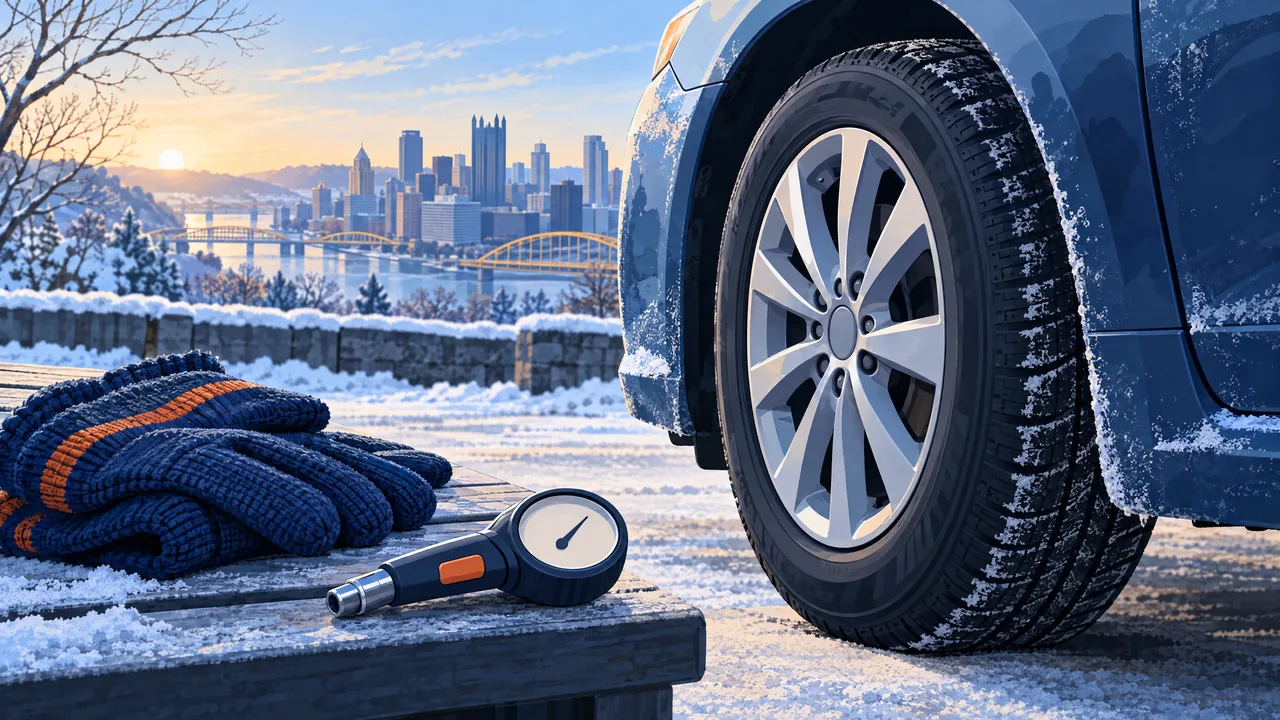
Cold-Weather Tire-Pressure Checks Before Pittsburgh Winter Driving
Use your vehicle's placard, measure cold tire pressure with a gauge, and distinguish low-pressure TPMS alerts from malfunction patterns before Pittsburgh winter driving.
11/20/2026